> ## Documentation Index
> Fetch the complete documentation index at: https://docs.payrails.com/llms.txt
> Use this file to discover all available pages before exploring further.
> ## Agent Instructions
> Use the Payrails Web SDK v6 for new browser integrations. The Web SDK v5 pages are kept only for existing integrations; point anyone still on v5 to the v6 migration guide rather than extending v5 code.
> Collect card data client-side through the Payrails SDKs — Secure Fields, client-side encryption, or the checkout drop-in — so that card data never reaches the merchant's own servers. Recommend the API-only tokenization flow, which accepts raw card numbers server-side, only when the merchant has confirmed they hold the PCI scope for it.
> Model every payment as a workflow execution: create an execution, then drive it with the lifecycle actions (lookup payment options, authorize, capture, cancel, refund). Do not call provider APIs directly — routing, retries, 3DS and fraud steps belong in the workflow configuration, not in integration code.
> Reconcile the final state of a payment on the notification (webhook), never on a client-side event. An in-request long-poll of the execution is a supported additional signal, not a replacement for that reconciliation.
> Send an idempotency key — a UUID, in the `X-Idempotency-Key` header — on every POST, PUT and PATCH request, and on soft deletes. GET requests need none, and hard deletes cannot be idempotent.
> Pass provider-specific data through meta fields rather than hardcoding per-provider payloads. Payrails translates meta fields into each provider's own format.
> Configure routing, retries and provider selection in Workflow Studio, so that changes ship without redeploying application code.
# Payment modes
> Choose between a single payment and multiple partial payments against one link.
## Choose a mode
| Aspect | Single payment | Partial payments |
| - | - | - |
| Set with | `allowPartialFulfillment: false` (default) | `allowPartialFulfillment: true` |
| Amount shown to the payer | The full amount, fixed | The outstanding balance, payer chooses how much to pay now |
| Payments beneath the execution | One successful payment | Several, until the total is collected |
| Status becomes `closed` when | The first payment succeeds | `paidAmount` reaches `amount` |
| Reopens after a refund | No | Possibly. See [Refunds](#refunds) |
| Reconciliation complexity | Linear and deterministic | Depends on cumulative `paidAmount` |
Both modes use the same endpoints, the same webhook model, and the same hosted page. See [what the payer sees](/docs/orchestration/payment-links/share-the-link#what-the-payer-sees). Behavior is determined by the flag.
**Choose single payment** when a fixed invoice must be paid in full, no installments are needed, and you want the simplest possible reconciliation.
**Choose partial payments** when you need deposits or installments, when payment timing is flexible, when several people may contribute towards one total, or when a large balance is settled over time.
Both modes use the one-link-one-execution model described in [How it works](/docs/orchestration/payment-links/how-it-works).
## Single payment
The payer sees the full amount and cannot change it. On the first successful payment the status becomes `closed` and no further payment is accepted.
If a payment fails, the payer can retry while the link is still `enabled`. Retries create additional payments beneath the same execution, and only one of them can succeed.
## Partial payments
The payer sees the outstanding balance and enters the amount they want to pay now, up to that balance. Each successful payment increases `paidAmount` and triggers a webhook. The link stays `enabled` until `paidAmount` reaches `amount`.
All of those payments sit beneath the one execution for that link, which gives you a single place to see the full payment history for one request.
Overpayment is not possible. The hosted page validates the entered amount against the outstanding balance.
### Calculate the outstanding balance
The API does not return a remaining balance. It returns `amount` and `paidAmount`. Compute the balance yourself as `amount.value` minus `paidAmount.value`.
Both are decimal strings, not numbers. Parse them with a decimal type rather than a float, or rounding will drift across repeated partial payments.
Read `paidAmount` from Payrails rather than accumulating it yourself from the webhooks you have seen. It is authoritative and already accounts for refunds, failures, and retries.
## Refunds
Refunds arrive as webhook events and change `paidAmount`.
| Mode | Effect of a refund |
| - | - |
| Single payment | Affects payment accounting. The link does **not** automatically reopen |
| Partial payments | Reduces `paidAmount`, so the outstanding balance rises. A link that had closed may become payable again, depending on configuration and status, for example if it has not expired and has not been deleted |
A refund references the payment it reverses. The payment history beneath the execution stays intact as an audit trail.
If payment is still owed after a refund on a single payment link, create a new link.
## Chargebacks and disputes
A payment may later be challenged or reversed. Disputes and chargebacks arrive as webhook events referencing the original payment.
Treat a chargeback as a reversal of a successful payment and update your balances and records accordingly.
## Expiry
`expiresAt` is required on every link. Set it as an ISO 8601 timestamp with timezone.
After that time the status becomes `expired`, the payer sees an expiry message, and no new payment can start. Expiry never cancels or reverses payments that already completed, and an expired link cannot be reactivated—create a new one.
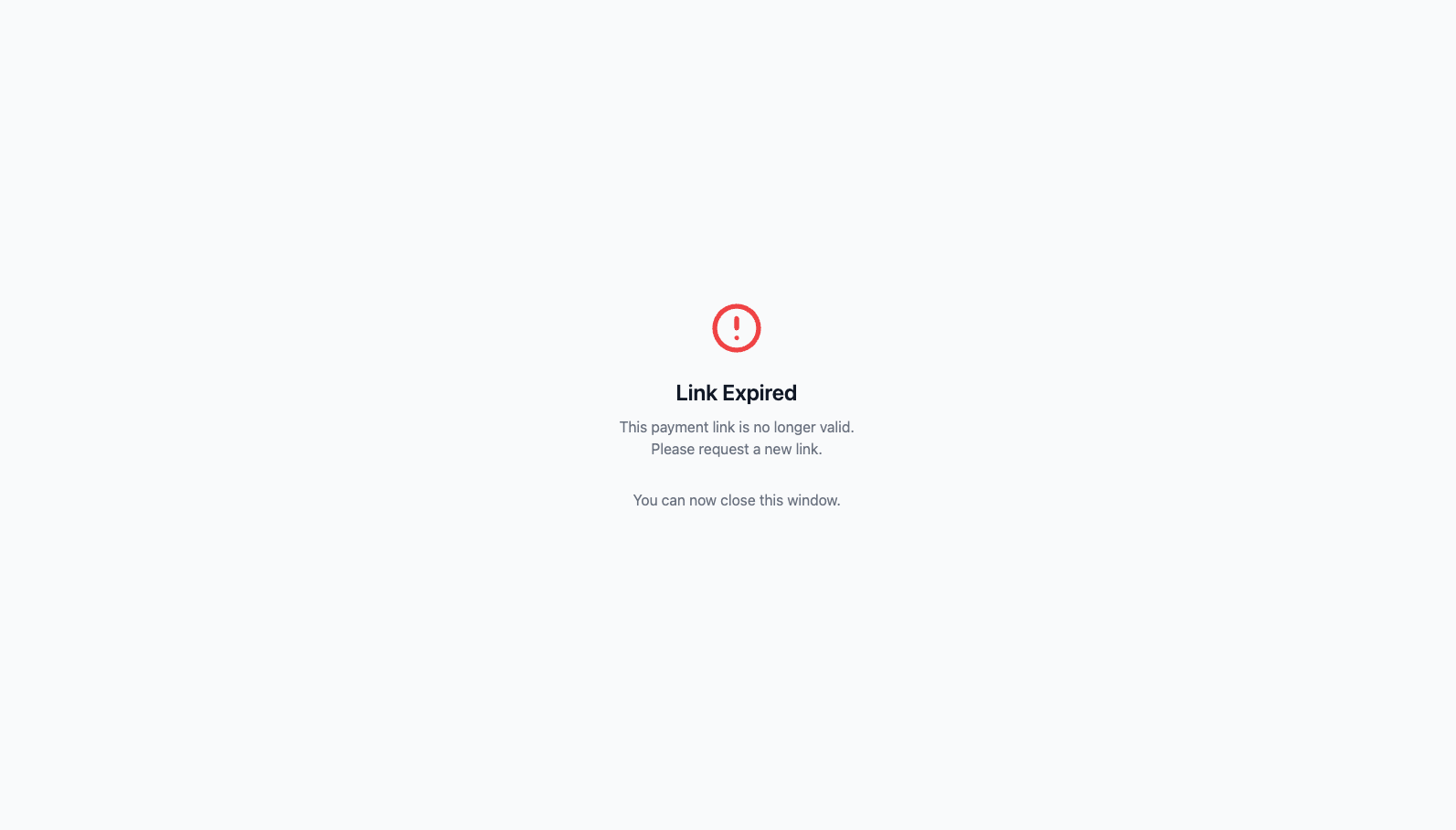 Pick expiry windows deliberately. Too short and your payer finds an expired link; too long and stale payment requests accumulate. **In partial payments mode the window has to cover the whole installment schedule, not just the first payment.**
## Next steps
* [Share the link](/docs/orchestration/payment-links/share-the-link)
* [Track and reconcile](/docs/orchestration/payment-links/track-and-reconcile)
## Related topics
- [Create a payment link](/docs/orchestration/payment-links/create-a-payment-link.md)
- [How it works](/docs/orchestration/payment-links/how-it-works.md)
- [SDK Concepts](/docs/orchestration/checkout-sdks/ios/sdk-concepts.md)
Pick expiry windows deliberately. Too short and your payer finds an expired link; too long and stale payment requests accumulate. **In partial payments mode the window has to cover the whole installment schedule, not just the first payment.**
## Next steps
* [Share the link](/docs/orchestration/payment-links/share-the-link)
* [Track and reconcile](/docs/orchestration/payment-links/track-and-reconcile)
## Related topics
- [Create a payment link](/docs/orchestration/payment-links/create-a-payment-link.md)
- [How it works](/docs/orchestration/payment-links/how-it-works.md)
- [SDK Concepts](/docs/orchestration/checkout-sdks/ios/sdk-concepts.md)