

The API surface
Four endpoints, all under/merchant/dropInLinks.
There is no update endpoint. Links cannot be edited after creation—to change any field, delete the link and create a new one.
Create a link
Request fields
description is displayed on the payment page, so anyone with the link can
read it. Never put personal data, account numbers, or internal identifiers
there. Use merchantReference for internal identifiers.Response codes
The link object
Every endpoint returns the same shape.The API returns
amount and paidAmount, but no remaining balance. See
Payment modes for how to
calculate it.dropInLinkUrl and merchantReference on your side. You will need both to reconcile.
Verify end to end in test
Run the full loop once before going live.- Create the link using the request above against your test credentials. See Set up your Payrails account and environment if you have not configured test credentials yet.
- Open the returned
dropInLinkUrlin a browser and confirm the amount, the description, and your branding all render correctly - Submit a test payment. This creates the execution on first use. The payment is linked to that execution, and after a successful single payment, the link
statuschanges toclosed. - Confirm the webhook arrived. Check that the event reached your endpoint, that
merchantReferencematches, and that your system updated only after processing it.
List links
Filters
Pagination
Cursor-based, usingpage[after], page[before], and page[size]. The response includes a links object with self, prev, next, first, and last, and a results array of link objects.
Follow links.next rather than incrementing offsets.
Get one link
Delete a link
status set to deleted.
This is a soft delete. The record remains readable, payments already completed are unaffected, and no new payment can be started. It cannot be undone.
Create in the Portal
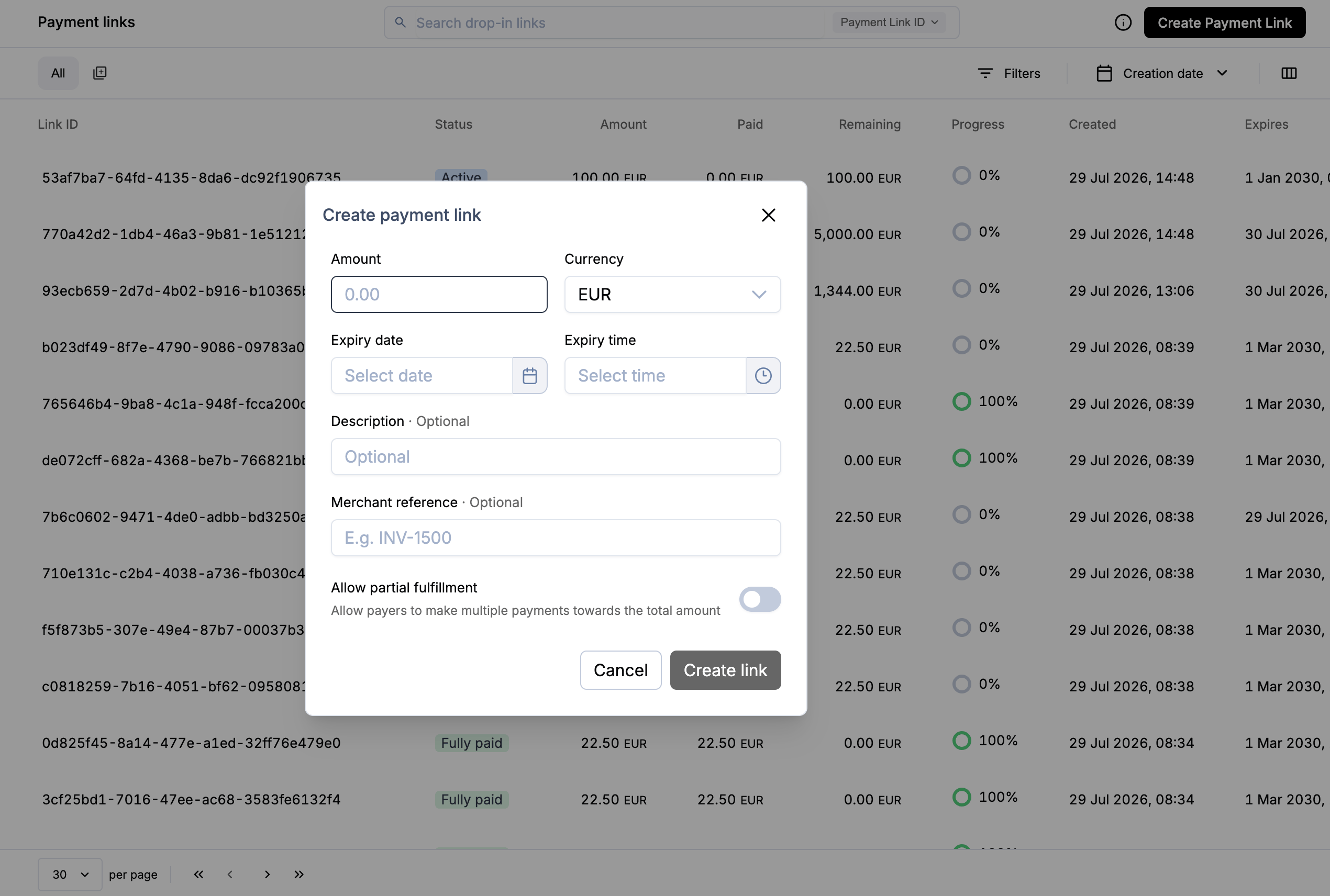
- In the Portal, go to Operations → Payment Links
- Select Create test payment link
- Copy or open the generated URL
Next steps
- Payment modes—single versus partial payments
- Share the link
- Full request and response schemas: API reference