Choose a mode
Both modes use the same endpoints, the same webhook model, and the same hosted page. See what the payer sees. Behavior is determined by the flag.
Choose single payment when a fixed invoice must be paid in full, no installments are needed, and you want the simplest possible reconciliation.
Choose partial payments when you need deposits or installments, when payment timing is flexible, when several people may contribute towards one total, or when a large balance is settled over time.
Both modes use the one-link-one-execution model described in How it works.
Single payment
The payer sees the full amount and cannot change it. On the first successful payment the status becomesclosed and no further payment is accepted.
If a payment fails, the payer can retry while the link is still enabled. Retries create additional payments beneath the same execution, and only one of them can succeed.
Partial payments
The payer sees the outstanding balance and enters the amount they want to pay now, up to that balance. Each successful payment increasespaidAmount and triggers a webhook. The link stays enabled until paidAmount reaches amount.
All of those payments sit beneath the one execution for that link, which gives you a single place to see the full payment history for one request.
Overpayment is not possible. The hosted page validates the entered amount against the outstanding balance.
Calculate the outstanding balance
The API does not return a remaining balance. It returns
amount and paidAmount. Compute the balance yourself as amount.value minus paidAmount.value.Both are decimal strings, not numbers. Parse them with a decimal type rather than a float, or rounding will drift across repeated partial payments.paidAmount from Payrails rather than accumulating it yourself from the webhooks you have seen. It is authoritative and already accounts for refunds, failures, and retries.
Refunds
Refunds arrive as webhook events and changepaidAmount.
A refund references the payment it reverses. The payment history beneath the execution stays intact as an audit trail.
If payment is still owed after a refund on a single payment link, create a new link.
Chargebacks and disputes
A payment may later be challenged or reversed. Disputes and chargebacks arrive as webhook events referencing the original payment. Treat a chargeback as a reversal of a successful payment and update your balances and records accordingly.Expiry
expiresAt is required on every link. Set it as an ISO 8601 timestamp with timezone.
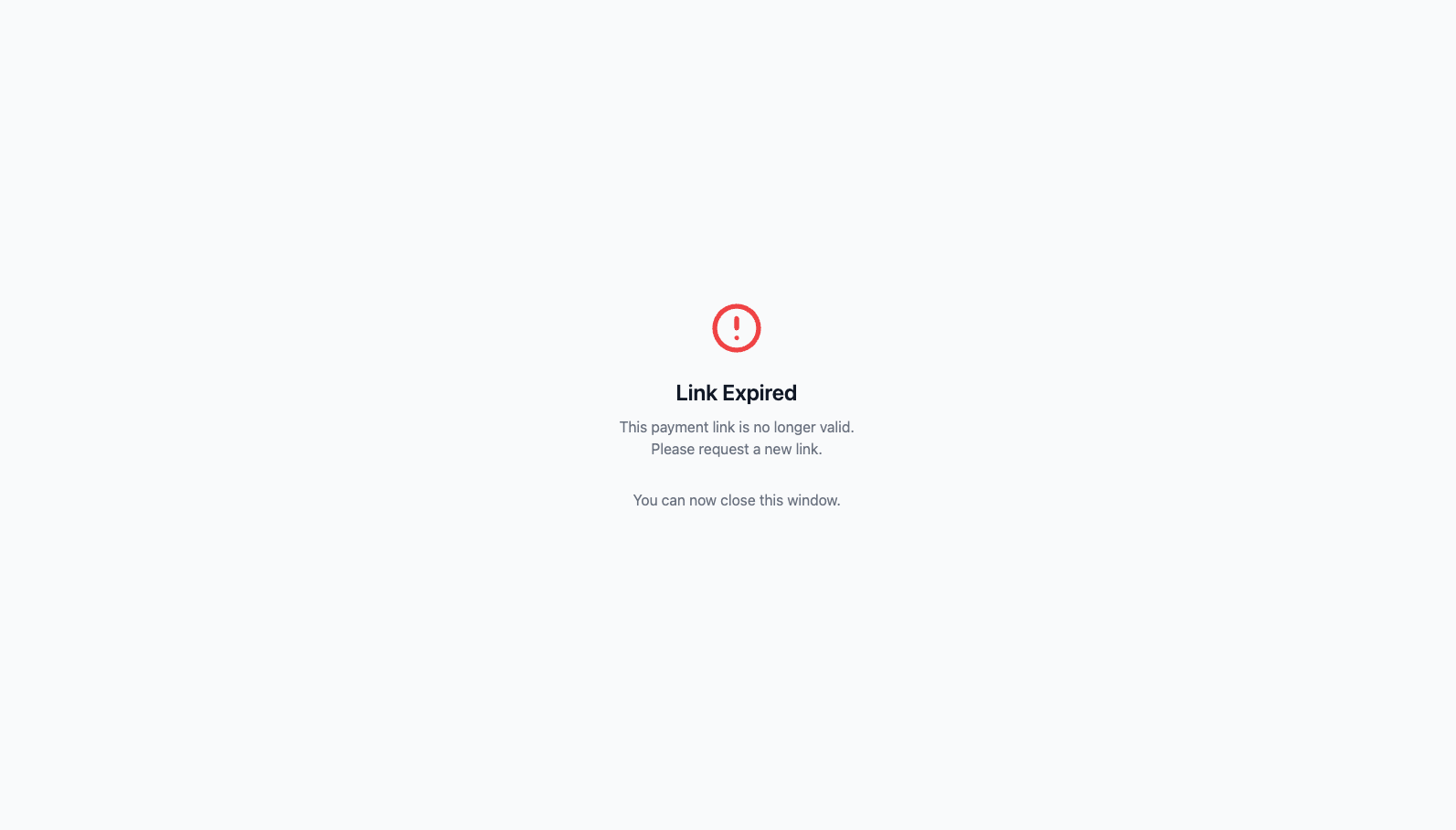
After that time the status becomes expired, the payer sees an expiry message, and no new payment can start. Expiry never cancels or reverses payments that already completed, and an expired link cannot be reactivated—create a new one.