

Payrails In-person is currently in preview and we are happy to hear your feedback
How it works
The backend of your POS software needs to integrate with the Payrails Backend to create the Execution and retrieve the required data to initialise the Payrails SDK in the next step. Your Android POS App needs to integrate once with the light-weight, rarely changing Payrails SDK. In addition to your Android POS App, you’ll also need to install the Payrails In-person Payment App on each of your Android devices: It takes care of processing the In-person payments via Payrails. We frequently update it to bring to you the latest improvements and newest partners, all without requiring you to update your Android POS App every time.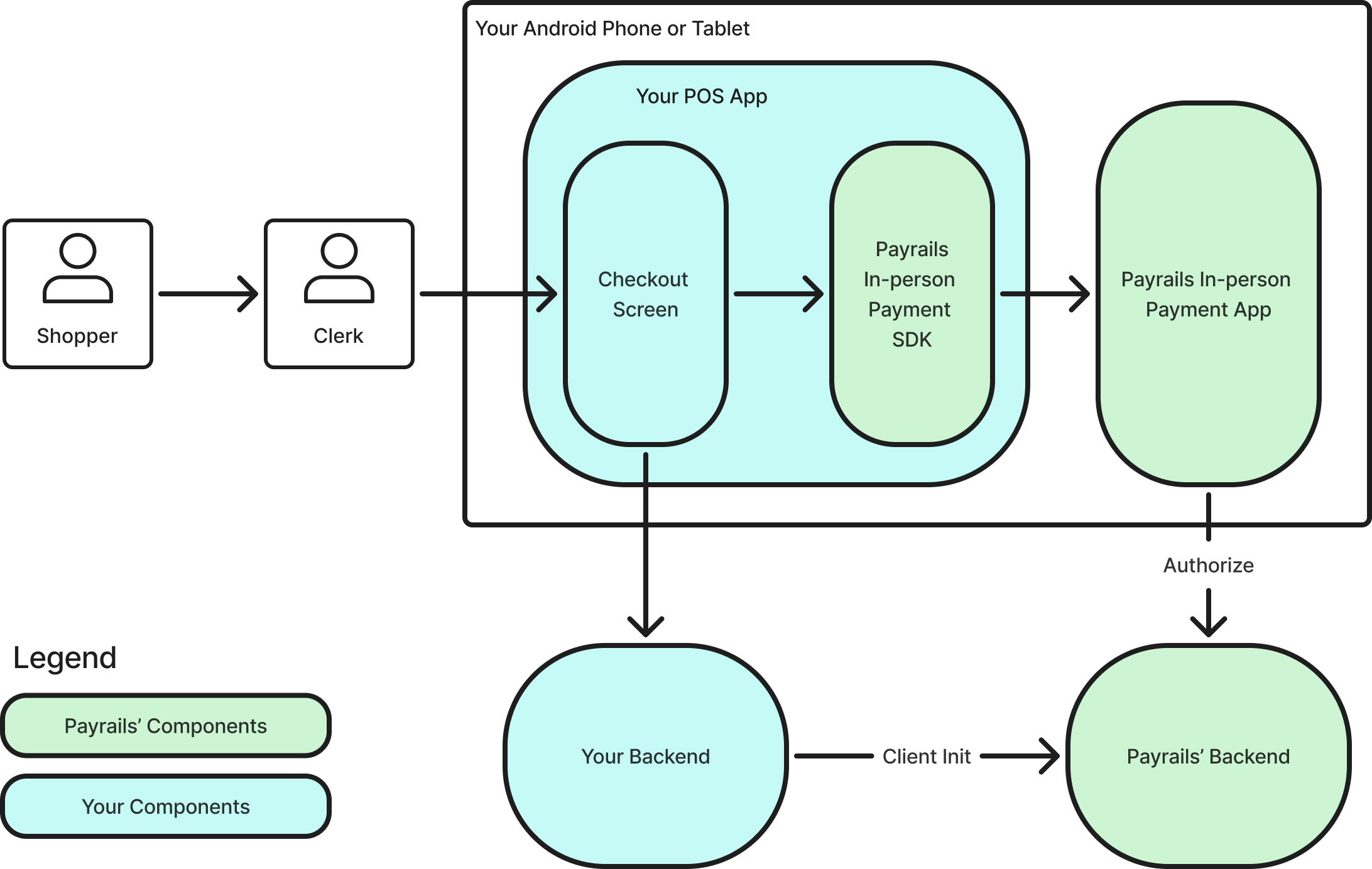
Step 1: Install the In-person Payment App
Payrails In-person Payment App is the companion App for your own POS Application. Once launched by our In-person SDK, from your own POS Application, the Payrails In-person Payment App takes care of processing the In-person payment via Payrails. You must install the App on the same device as your POS application that is integrating the Payrails In-person SDK.Contact Payrails to get access to the Payrails In-person Payment App APK to
install on your Android device.
- If not already done, enable developer mode and USB debugging on your Android device
- Install the APK on your device
Step 2: Run your first test transactions
Without any coding, you can immediately familiarise yourself with Payrails In-person by running some test transactions with the In-person Test App. Later in Step 3, you’ll learn how to integrate Payrails In-person with your own POS App.2.1 Install the In-person Test App
Payrails provides a simple test application that already integrates the In-person Payment SDK and can be installed on your Android device alongside the Payrails In-person Payment App.Contact Payrails to get access to the Payrails In-person Test App APK to
install on your Android device.
- If not already done, enable developer mode and USB debugging on your Android device
- Install the APK on your device
2.2 Create an execution via the Payrails Portal
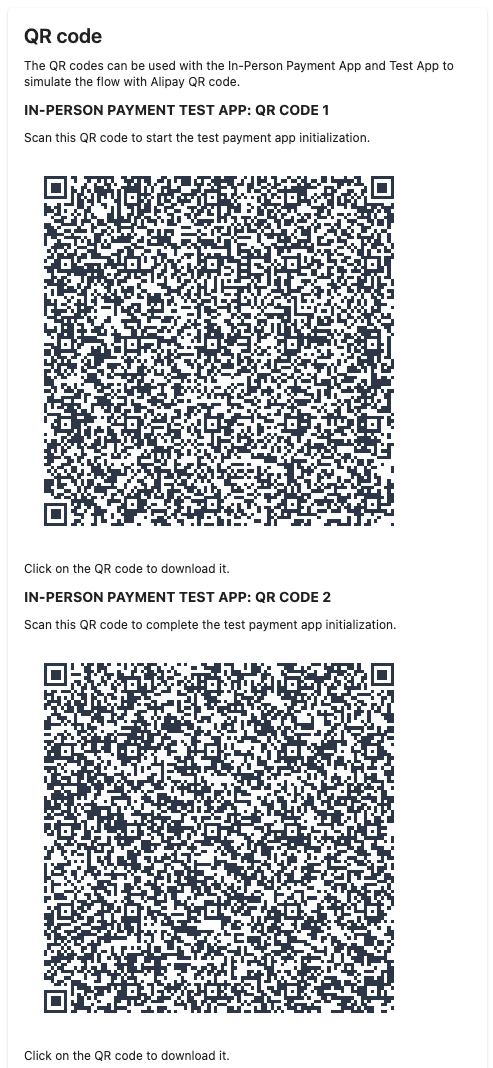
In the portal, navigate to Workflows > Test In-Person payments to quickly run transactions with the In-person Test App and - later - test your integration with the Payrails In-person Payment SDK and App. The page allows you to call the client init endpoint to simulate a call made by your backend. It then exposes different utilities to help you test In-person payments (copy client init response, scan QR codes, …). Enter e.g. 1 EUR as the amount and click Start to generate the QR codes: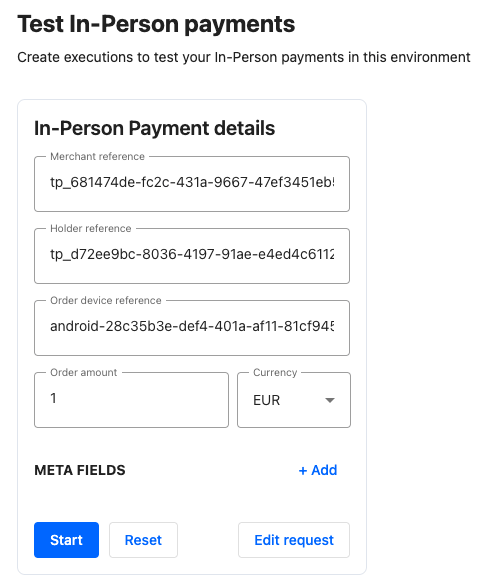
2.3 Scan the QR Codes via the Test App
Once installed, open the test application and you should see this screen: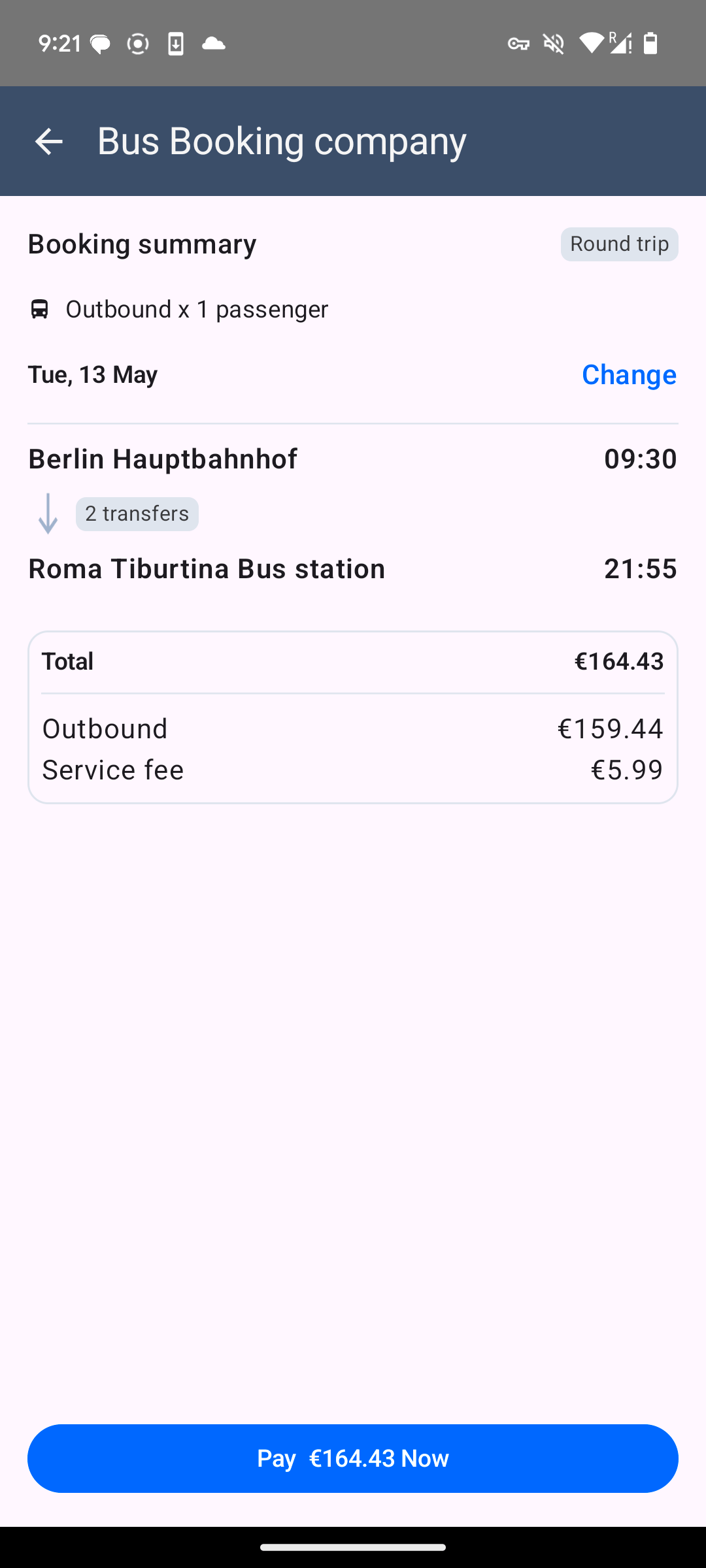
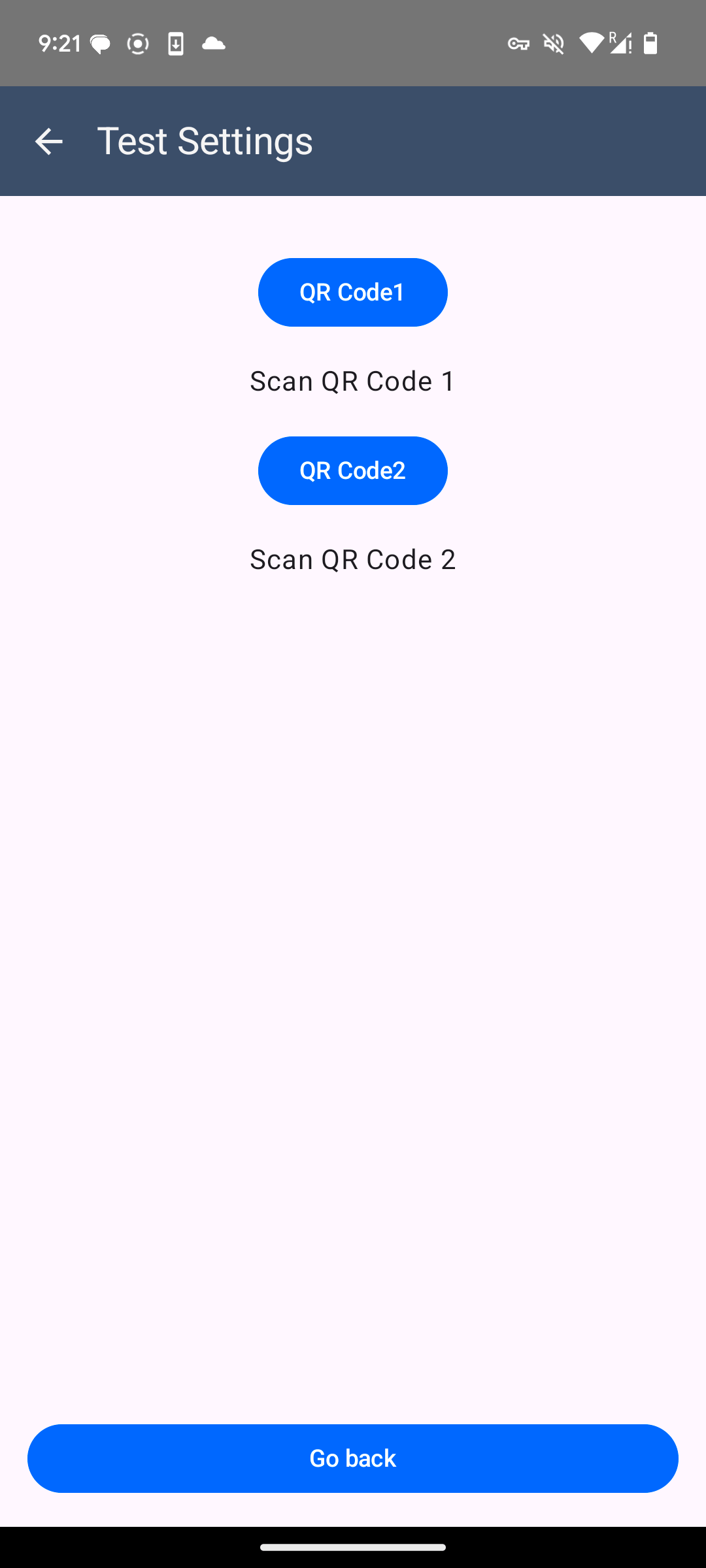
QR code 1 and QR code 2 to scan the respective QR codes displayed in the Test In-person payments page on the portal.
Why scan the QR codes to initialize the In-person Test app?The Test In-persons payments page calls the client init call and exposes the details via QR code to make it easy to setup the Test app. This simulates the call to your own backend that should call the client init endpoint on Payrails backend.
2.4 Run a Card payment
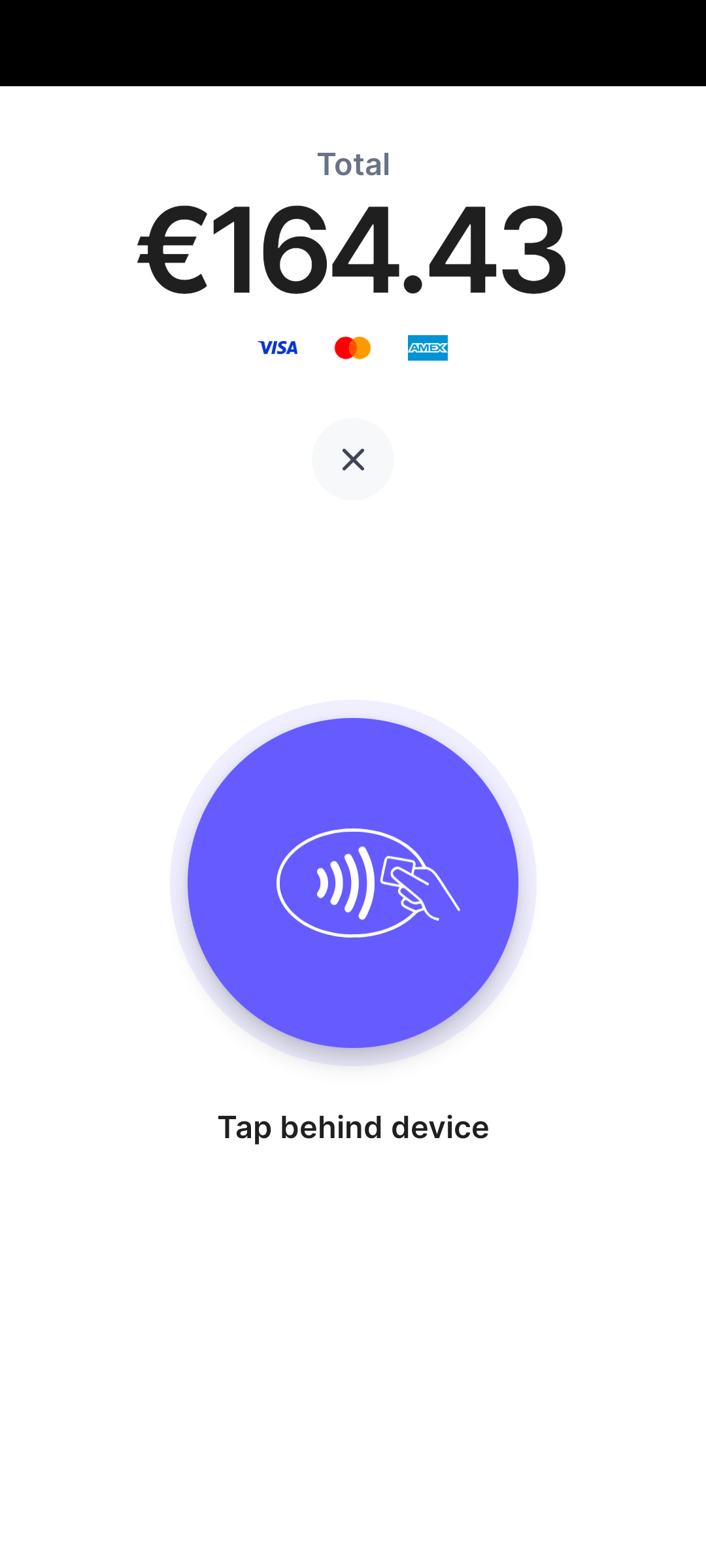
To test card payments, selectCard payment option.
- If you run our debug Payment App APK, the card payment is simulated and will succeed by default. This allows to test card payments without the need of a physical test card.
- If you run our release Payment App APK, you will need a physical test card to be able to test the card payments. Reach out to us if you don’t have a test card yet.
2.5 Run an Alipay QR Code payment
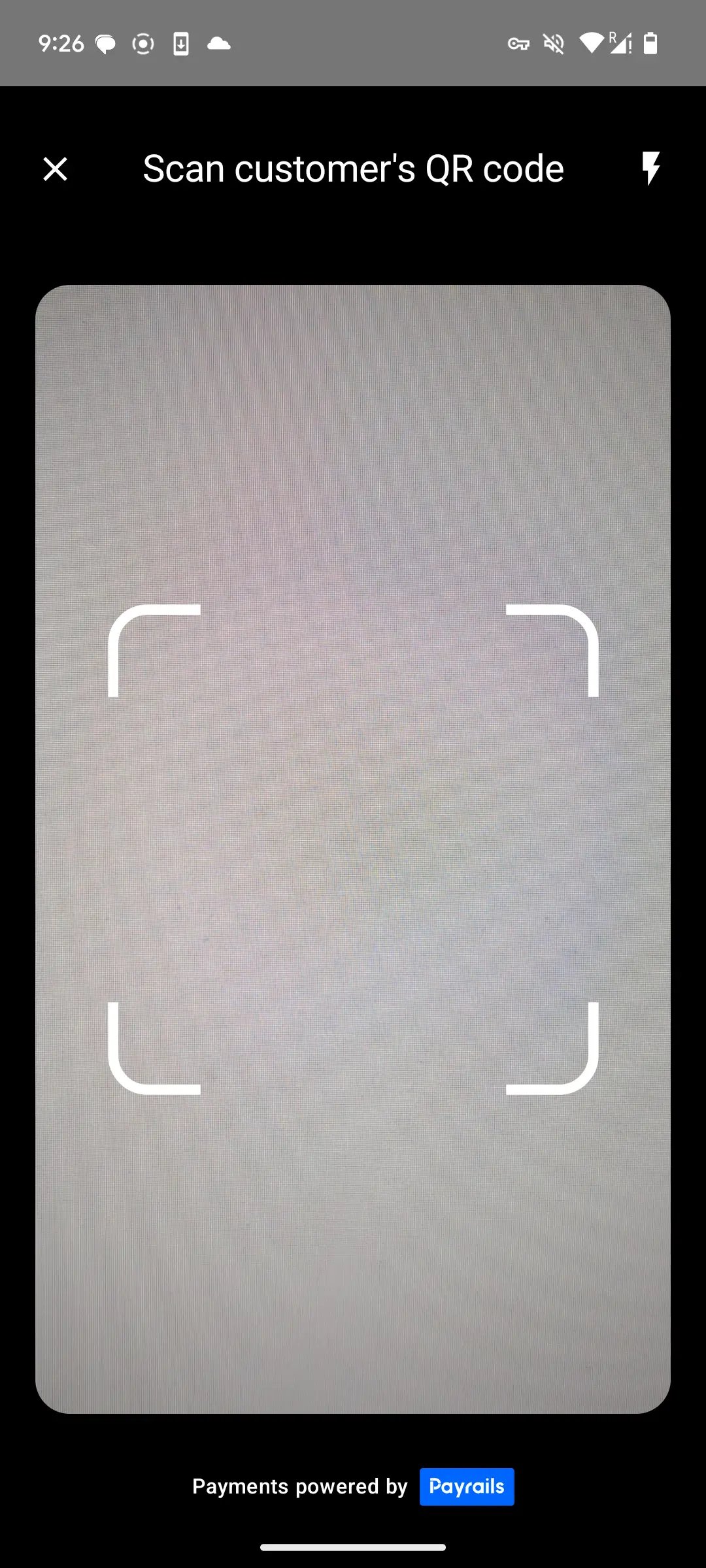
The Test In-person Payments page also generates a new Alipay QR Code that you can scan with the In-person Payment App to test Alipay QR code In-person payments.
Alipay (QR Code) payment option and scan the QR code
Step 3: Integrate Payrails In-person with your own POS
Now that you know how everything will look like for your store staff and shoppers, it’s time to integrate Payrails In-person with your own POS app.3.1 Integrate the In-person SDK
Include the SDK
You can fetch the SDK from Maven Central by including the following dependency:build.gradle.kts
build.gradle
build.gradle.kts or build.gradle
Initialize the SDK
Use theinit() method to initialize a Payrails client as shown below.
Kotlin
Java
Launch the Payrails Payment App
From current context
Launches Payrails In-person payment app from the current context.Kotlin
Java
With authorization result handler (recommended)
It is recommended to define a handler to retrieve the result of the authorization and handle potential errors inside your own POS application. The Payrails’ In-person Payment App returns 2 results:AUTHORIZE_RESPONSE: When the authorization was successful or when the authorization failed with some business error.ERROR: When the authorization failed, even in case of some technical error.
Kotlin
Java
Kotlin
Java
proguard-rules.pro:
proguard-rules.pro
3.2 Create the initialisation data via the Portal (Testing only)
The Test In-person payments page allows you to quickly copy the response from the client init call and directly test the SDK initialization. For this, click onCopy Client Init Response to get the response json in your clipboard

Kotlin
Java
3.3 Create the initialisation data via your Backend & receive Webhooks
For production, the backend of your POS software needs to integrate with the Payrails Backend, with your API credentials and MTLS certificate, to automatically create the Execution and retrieve the required data to initialise the Payrails SDK by calling the Initialize client SDK endpoint.JSON
merchantReference, you can query the status of the execution/payment later on.
Your Webhook server also receives notifications that inform you about the outcome of each payment, just like for online payments via Payrails.
3.4 Extend your receipt to include required payment data
In order to comply with card scheme and wallet requirements, you will need to add additional information related to the payment to your receipt.Payrails In-person is currently in preview. Come back soon for code samples for receipts
Optional: Implement refunds
Payrails In-person is currently in preview. Come back soon for code samples for refunds