


Who should use this guideThis guide is intended for merchants who:
- Use Payrails as a payment orchestrator
- Use Garanti BBVA for card processing in Türkiye
- Have an active Garanti BBVA virtual POS account
Create a Garanti BBVA integration in Payrails
- Log in to the Payrails portal.
- Go to Settings → Integrations.
- Select Add instance to create a new integration configuration.
- Select the workspaces where this integration should be available.
About workspacesWorkspaces determine where this integration is available. They let you isolate provider setups by region or business line, or share the same configuration across multiple workspaces.
Step 1: Choose the integration type
- Select Payment.
- Continue to the next step.
Step 2: Choose the provider
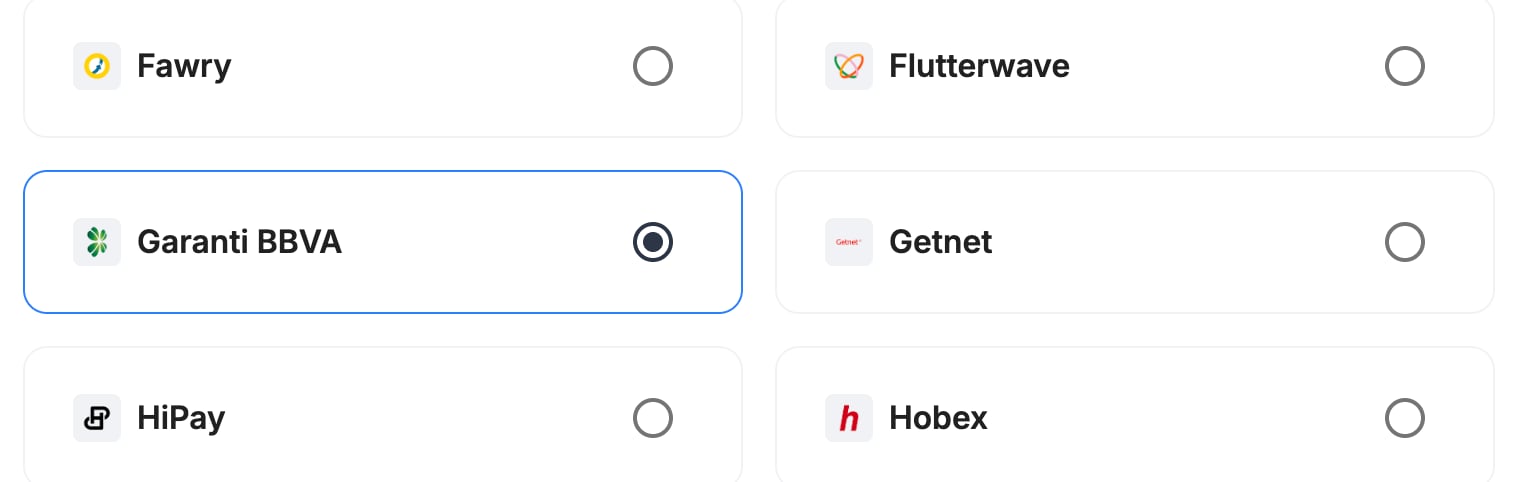
- Select Garanti BBVA.
- Continue to the next step.
Step 3: Configure your Garanti BBVA integration
Integration instance name
An integration instance is a specific payment provider setup in Payrails. You can create multiple instances for different regions, currencies, or business needs. Choose a clear, consistent name, as it is used in routing.In Payrails
- Enter an Instance name for your integration, for example
merchant_garanti.

Account details
In Payrails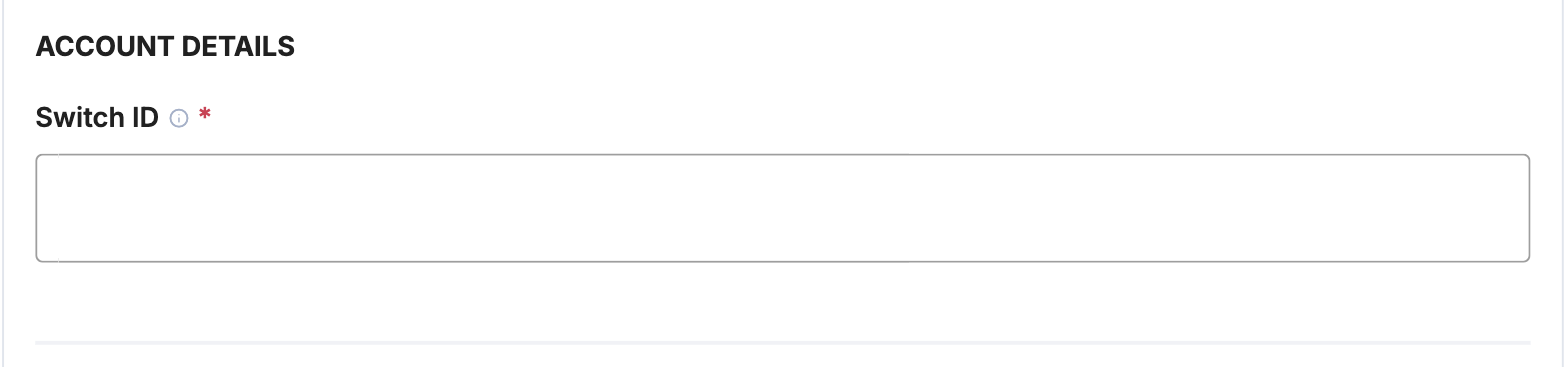
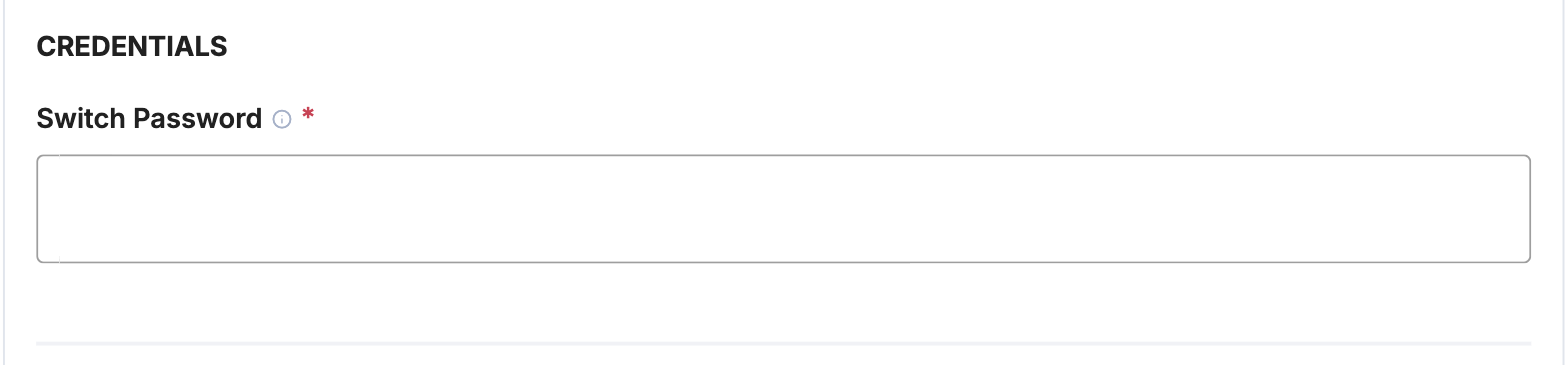
Credentials
In Payrails
Payrails sends requests to the Garanti BBVA integration environment in test mode and to the live environment in live mode, so use the credentials for the matching environment.
Payment methods
In Payrails- Select Card.

Payment status updates
Garanti BBVA returns the result of each request straight away, and Payrails checks the result of 3D Secure payments with Garanti BBVA, so there’s no webhook to set up.Request fields for Garanti BBVA
Send these fields in the authorize request for card payments, in addition to the standard authorize fields. Required fields must be present for the payment to succeed. Payrails sends Optional fields to Garanti BBVA when you include them. For more about meta fields, refer to Meta fields.Enable the integration
In Payrails- Select Save account to enable the integration.
- Confirm the integration shows as Enabled.
Next steps
- Run a test card payment in TRY in the Garanti BBVA integration environment.
- Verify that:
- The payment succeeds and its status updates correctly in Payrails.
- Capture, refund and cancel work for your capture mode.
- Once verified in test mode, repeat the setup in live mode.